Build a Palace. Place the material. Practice the route.
Map a familiar place into ordered Loci. Place what you want to remember. Practice until the weak spots are visible.
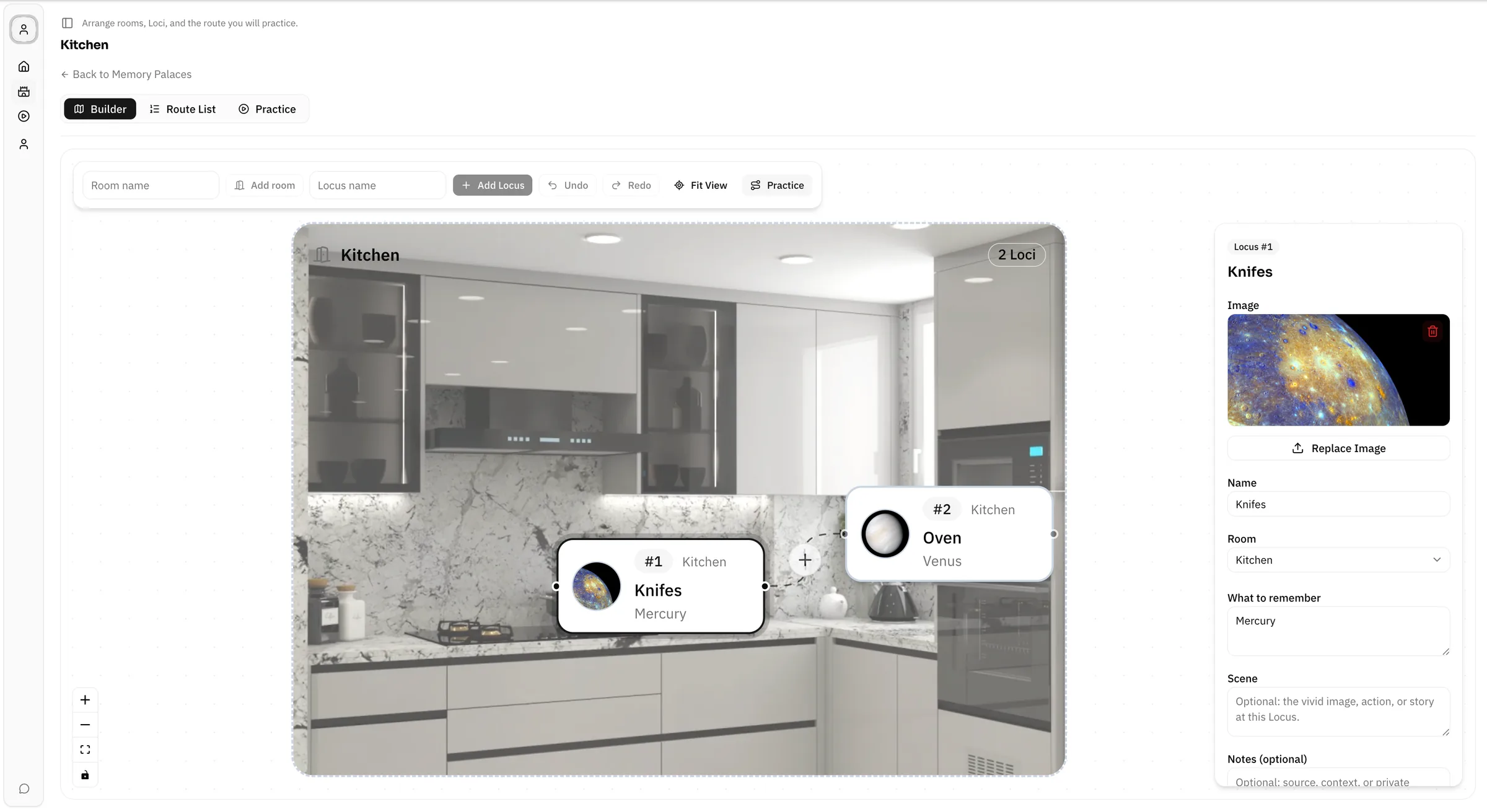
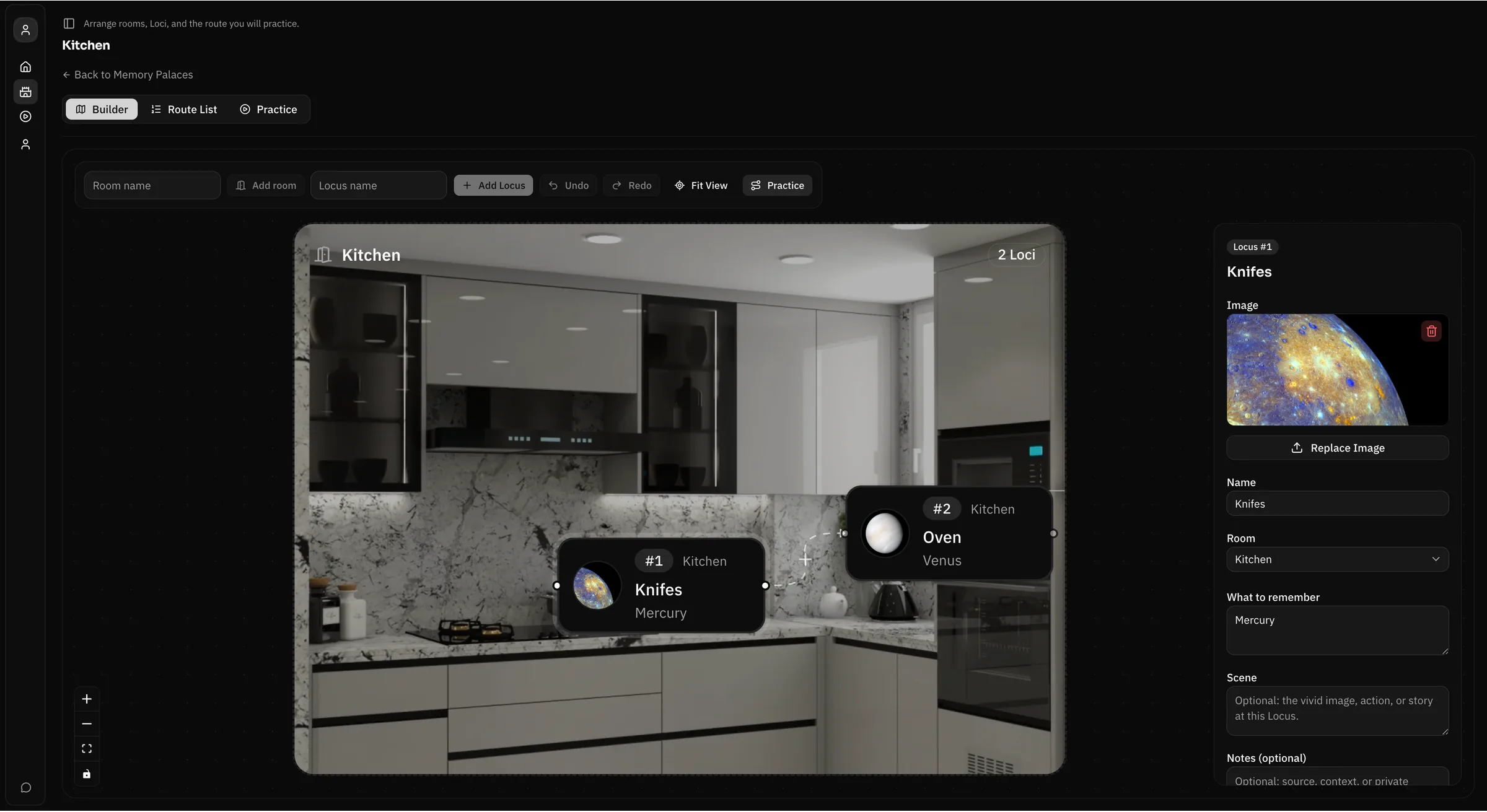
Builder and Practice
How Lociplace works.
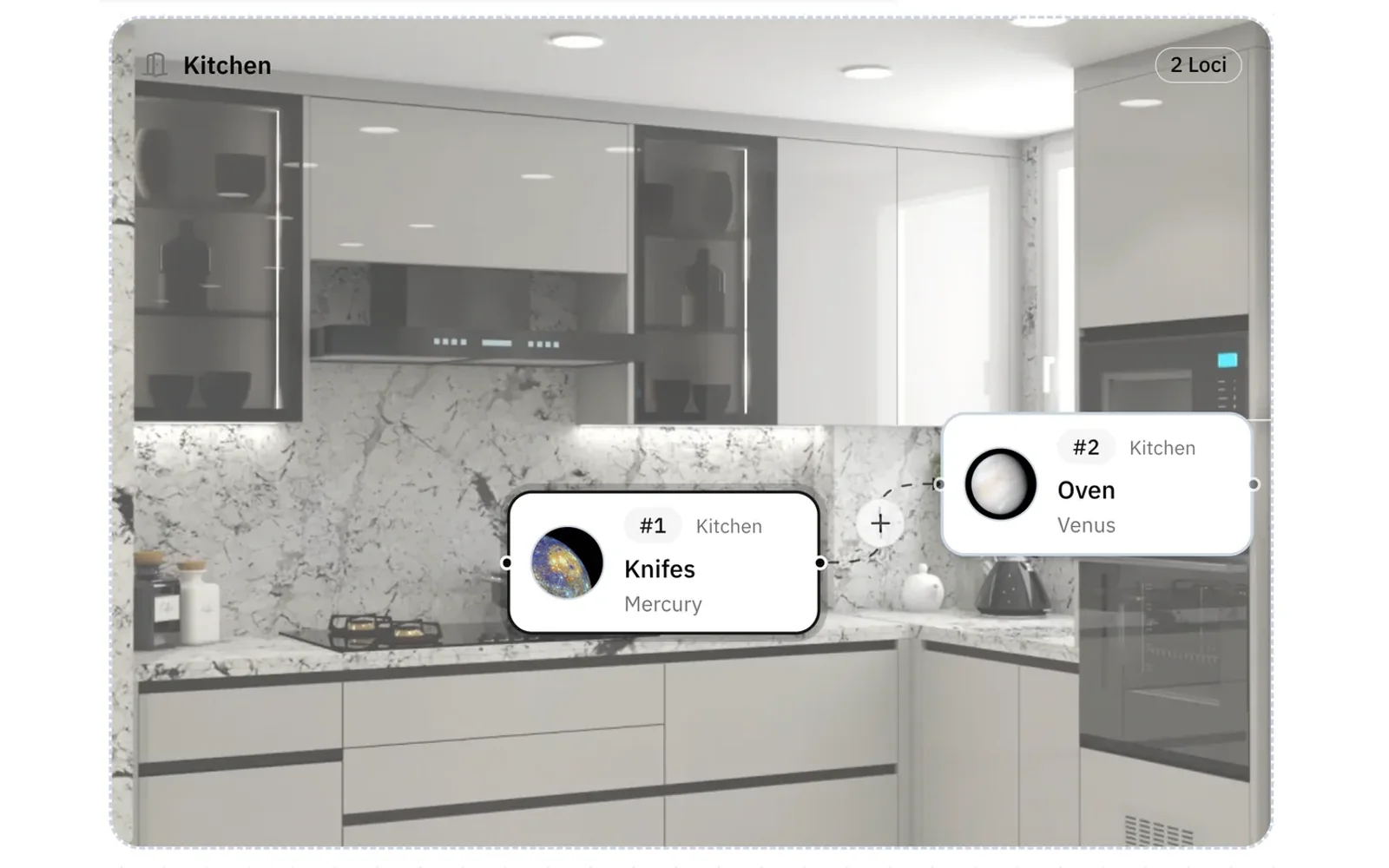
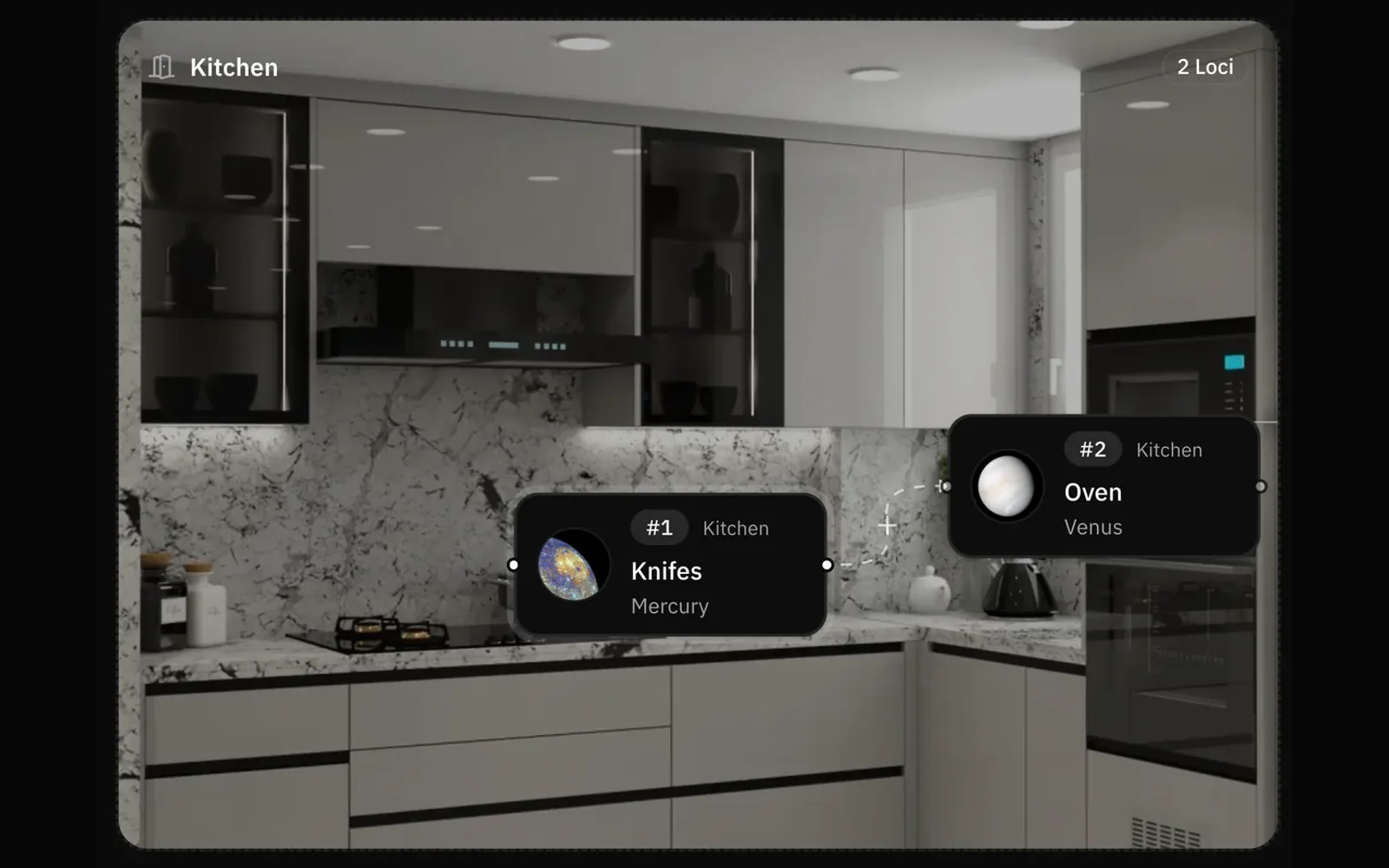
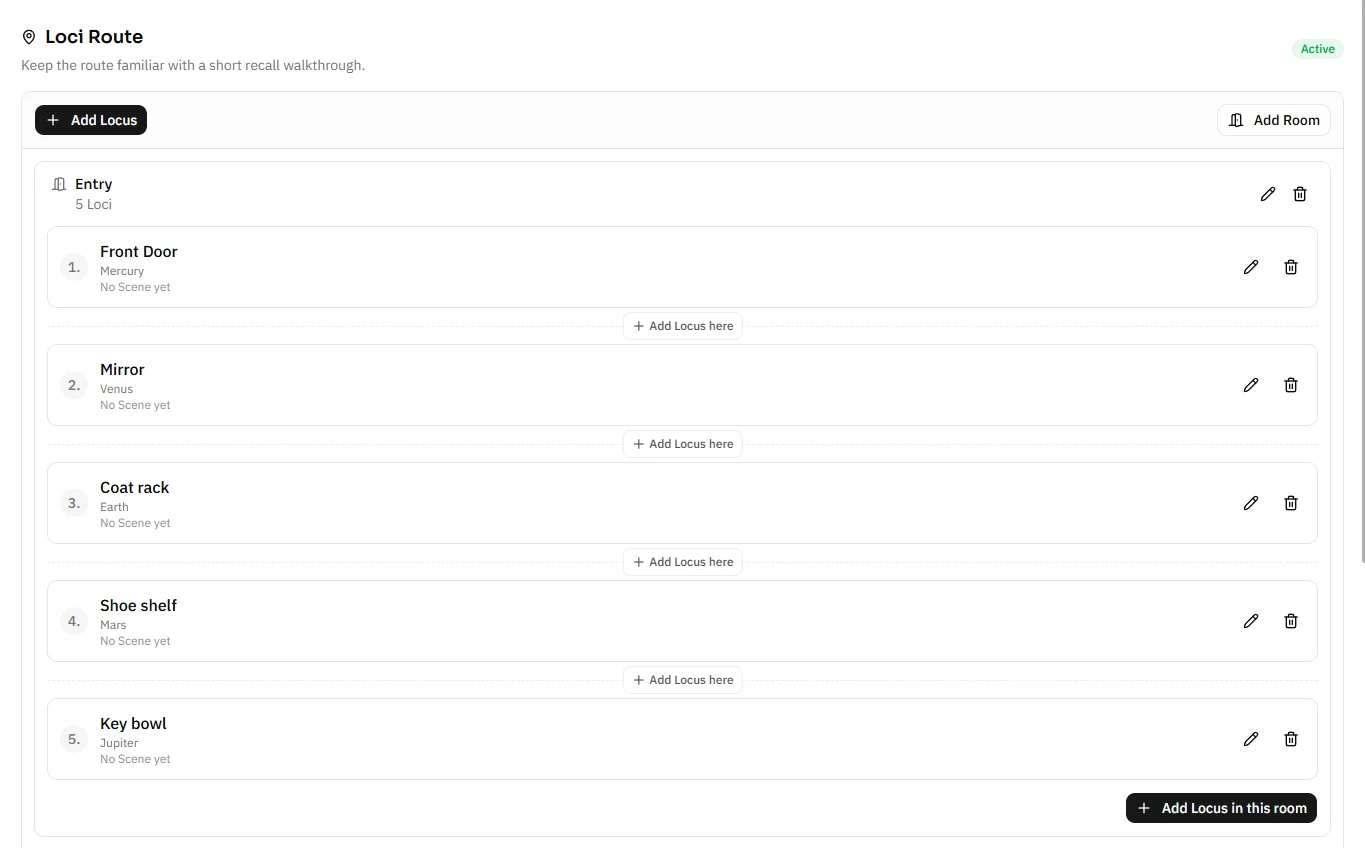
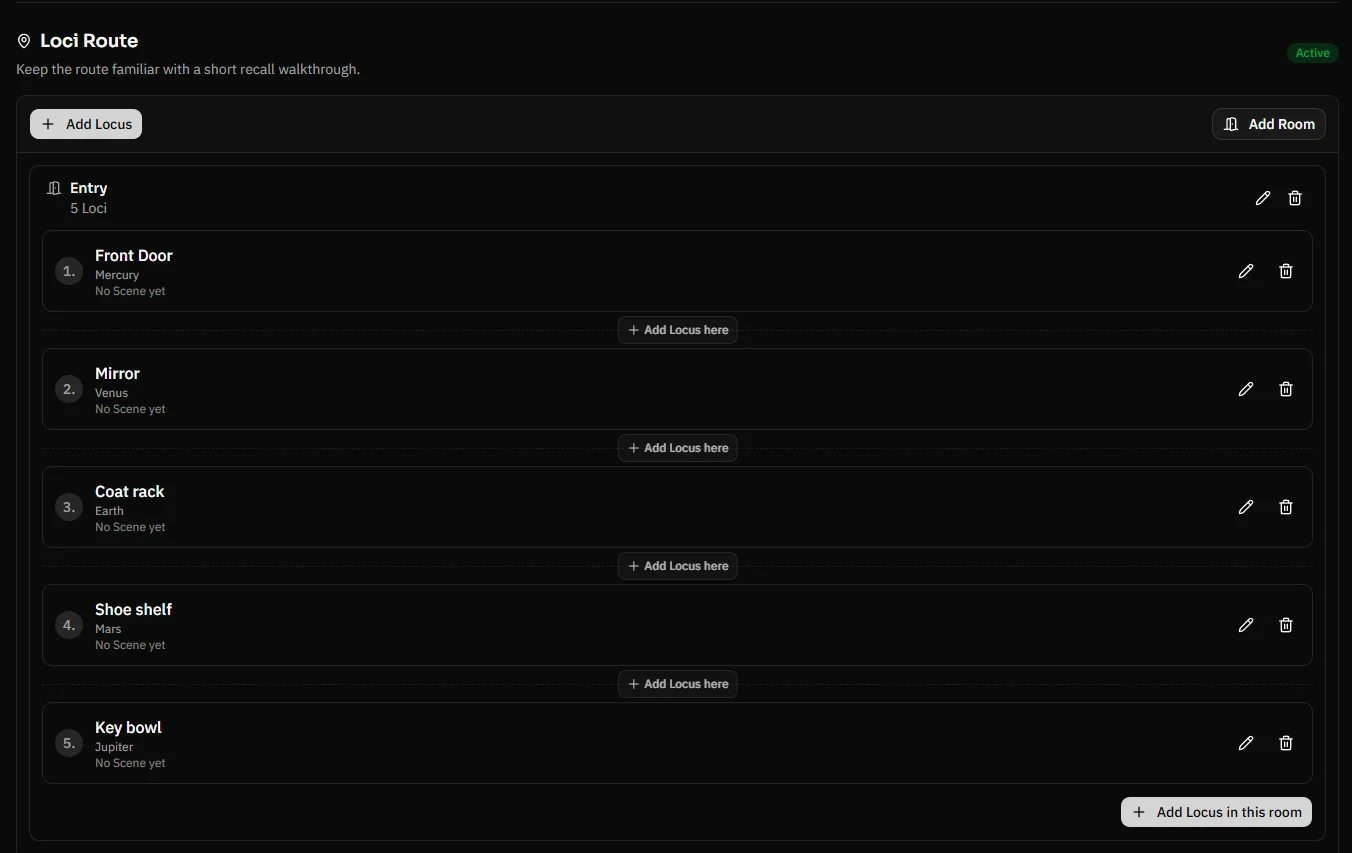
Start with a Palace, map the route, check the Route List, then test recall against the same structure.
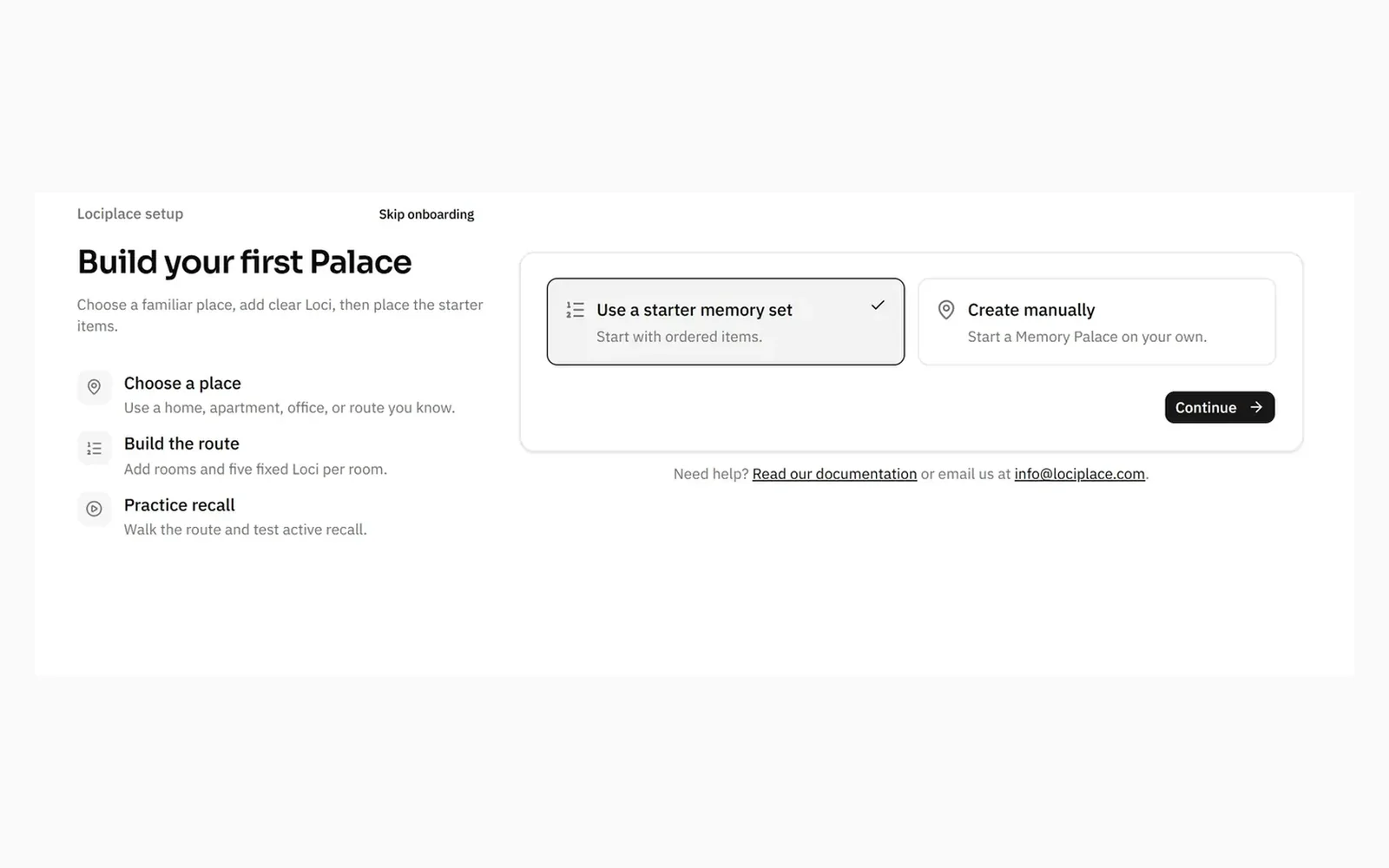
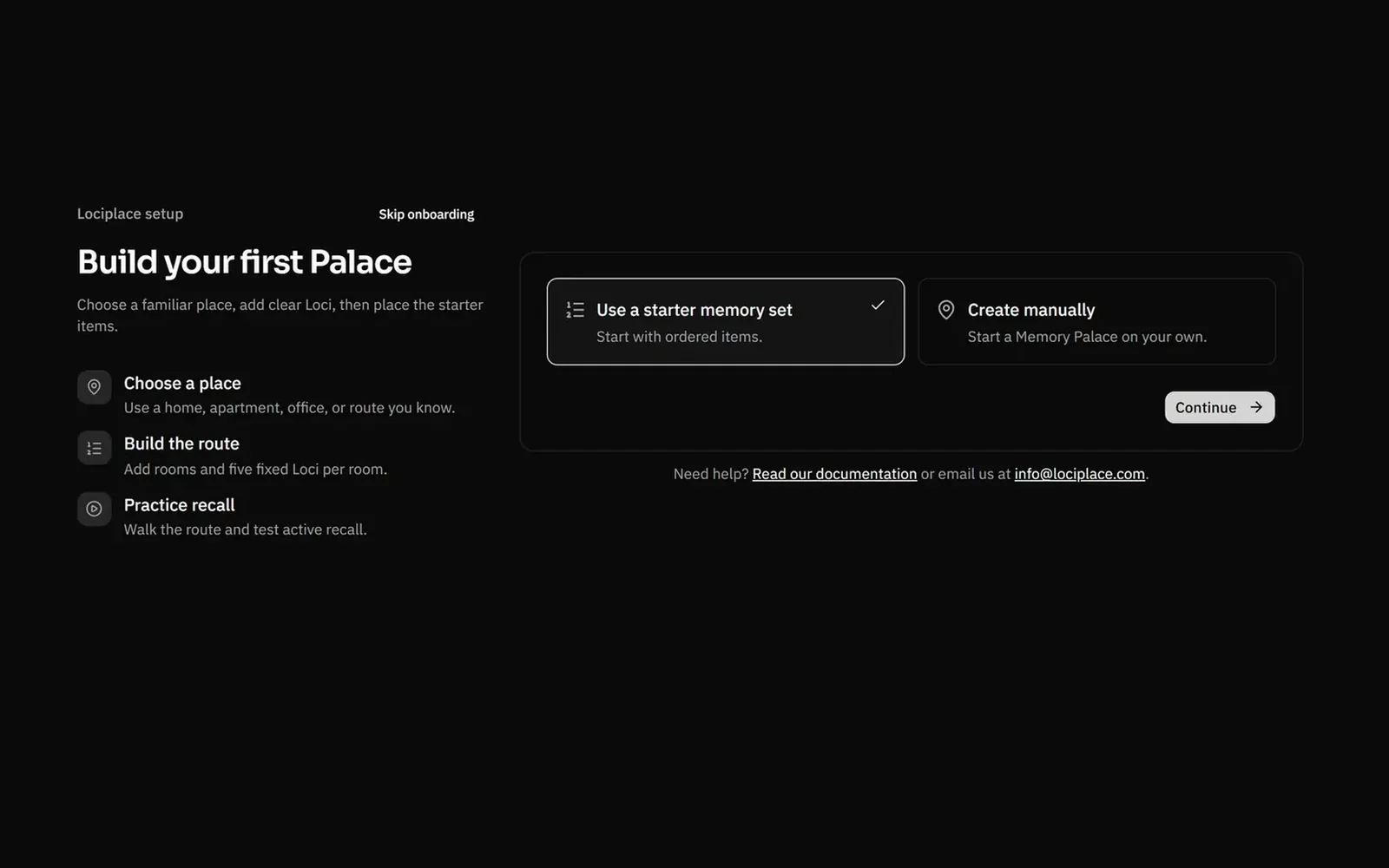
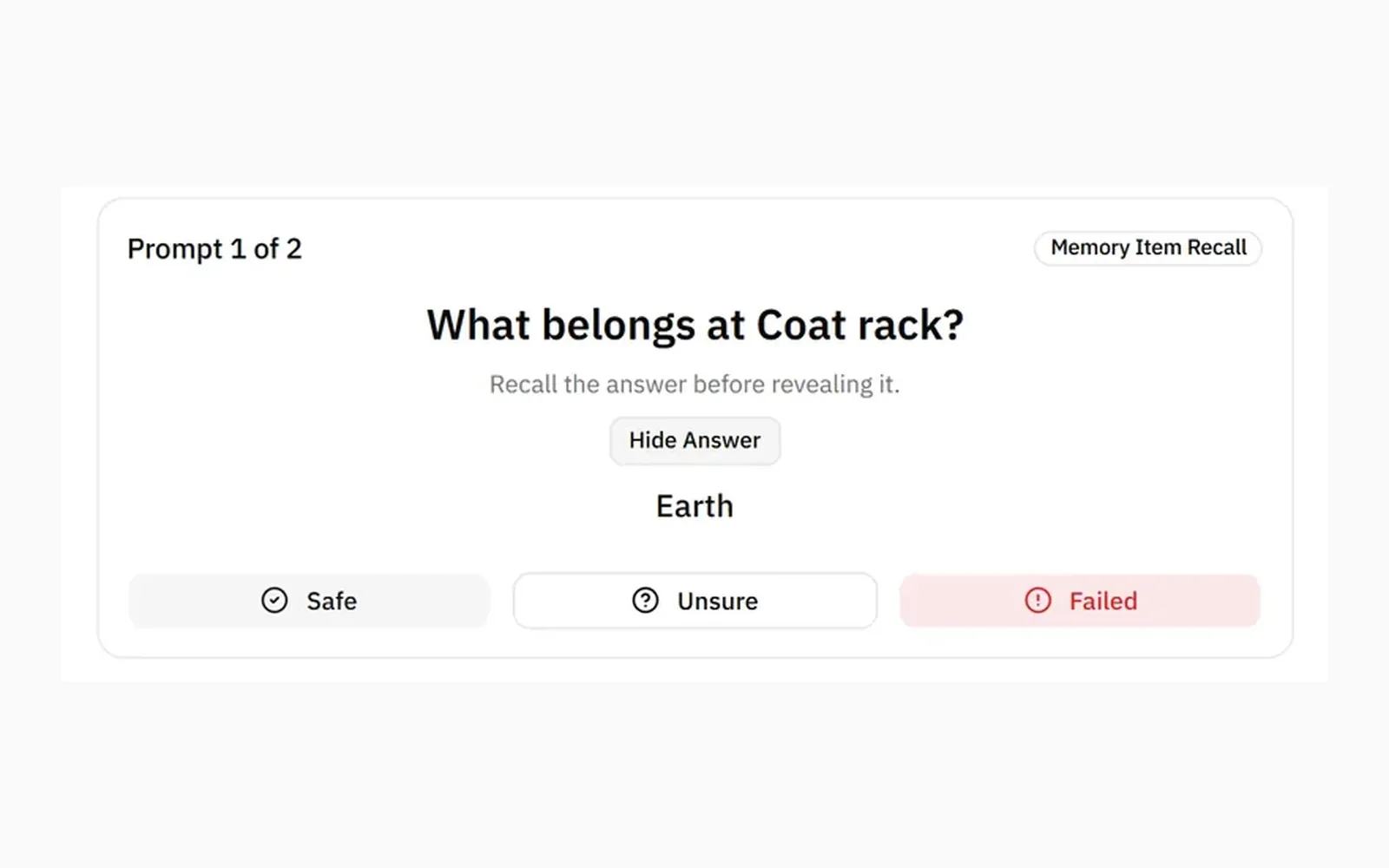
Why Lociplace
A Palace breaks when the route gets vague.
Know what belongs where
Memory Items stay tied to the place meant to bring them back.
Memory Items guideDocs
Read the guide that matches the work.
Where to start
Build a first Palace without making the system too large.
Read guidePalaces and Loci
Keep the route, Loci, Scenes, and Memory Items distinct.
Read guidePractice and Review
Use active recall first, then return to weak places.
Read guideMethod of Loci
The memory technique behind the Lociplace workflow.
Read guideUse cases
For things worth walking through.
Exams and work knowledge
Definitions, formulas, procedures, and concepts.
Open docsLanguages and vocabulary
Words, phrases, examples, and grammar patterns.
Open docsBooks, speeches, and text
Passages, outlines, quotations, and speaking points.
Open docsPAO and number systems
People, actions, objects, Major images, and drills.
Open docsStart with one route you know.
Choose a place you know. Add a few Loci. Practice once before the system gets bigger.